
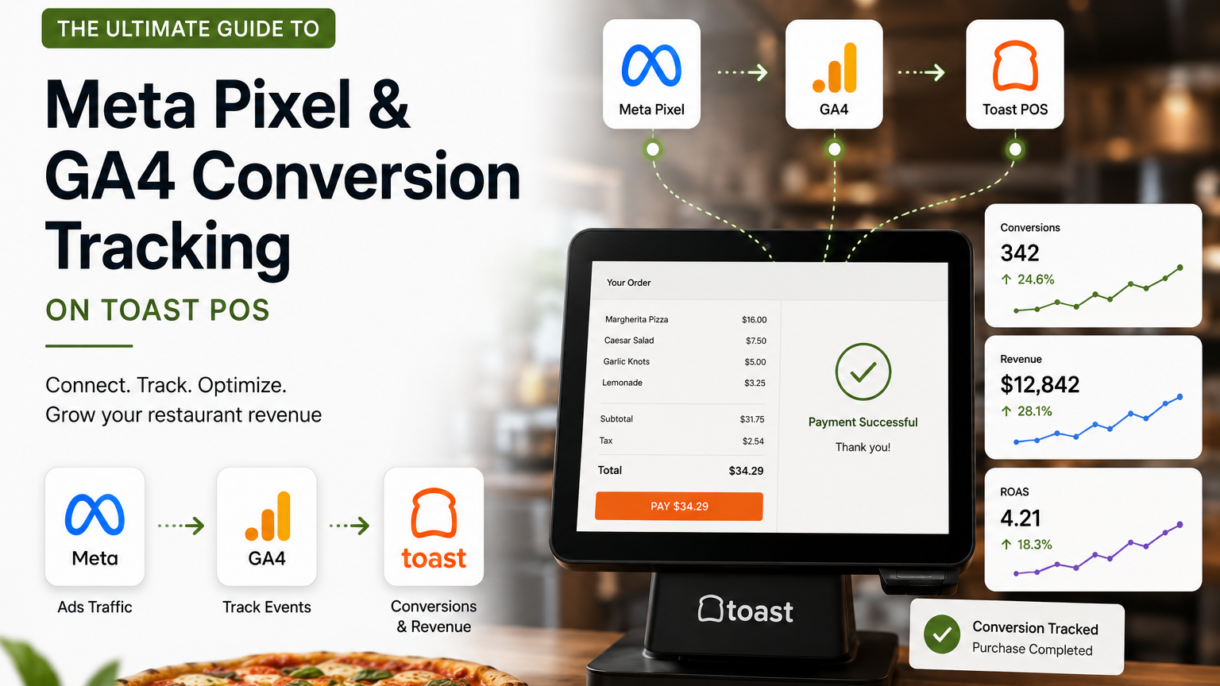

Toast POS tracking matters because Toast should support revenue, direct orders, loyalty, catering, and measurable restaurant growth.
Let’s picture a scenario that is probably happening in your restaurant right now. You just launched a beautiful new Facebook ad campaign promoting your new seasonal menu. You are spending $1,000 a month on Meta Ads and another $500 on Google Search Ads.
Your dining room is busy, and online orders are coming in. But when you log into your Facebook Ads Manager, your dashboard shows zero purchases.
Where is the disconnect? Why does it look like your marketing budget is being set on fire, even when sales are up?
Welcome to the tracking "Black Box" of the restaurant industry. As a specialized, we speak to independent operators and multi-location franchisees every single week who are deeply frustrated by this exact problem. They know their ads are working, but they cannot definitively prove their return on ad spend (ROAS) because their tracking pixels are broken.
In this guide, we are not going to hide the technical secrets. We are going to explain exactly why your Toast POS Meta Pixel tracking and Toast POS Google Analytics 4 setup are failing, and the advanced data engineering required to fix it once and for all.
Pro Tip Use this guide with your Toast dashboard open. The fastest wins usually come from fixing ordering paths, customer data, follow-up, and tracking before spending more on ads.
The Real-Life Problem: Why Standard Tracking Fails on Toast POS
To understand the solution, you have to understand why the technology breaks in the first place.
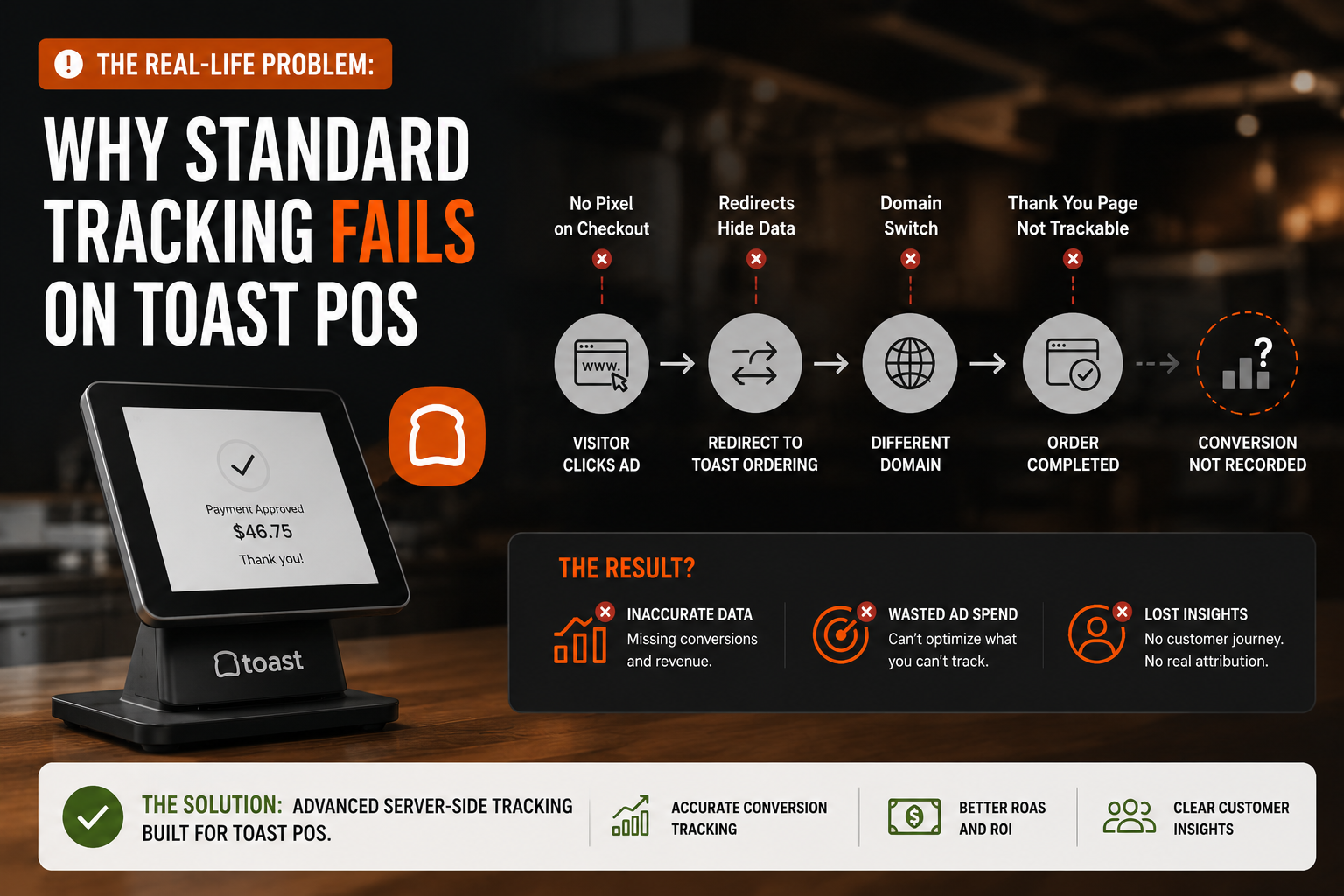
When a hungry customer clicks your Instagram ad, they land on your main website (e.g., www.yourrestaurant.com). Your Meta Pixel fires, registering that the user viewed your page.
However, when that customer clicks "Order Online," they are redirected to Toast's native online ordering platform, which lives on a completely different domain (e.g., ).
The Cross-Domain Drop-Off
Because the user jumped from your website to Toast's website, the tracking code loses its mind. Standard browser pixels cannot pass user session data across two completely different domains without advanced configuration.
To Facebook and Google, it looks like the customer bounced off your website and disappeared into thin air. Simultaneously, Toast registers a new online order, but has no idea that the customer originally came from a Facebook ad.
The Result: You lose all marketing attribution. You cannot retarget people who abandoned their carts, and you cannot tell the Facebook algorithm to go find more high-value buyers.
The Solution for Toast POS Google Analytics 4 (GA4)
Fixing this requires configuring Cross-Domain Tracking. This is a process that tells Google Analytics to stitch the user's session together as they move from your main website over to the Toast subdomain.
How to Execute Proper GA4 Tracking:
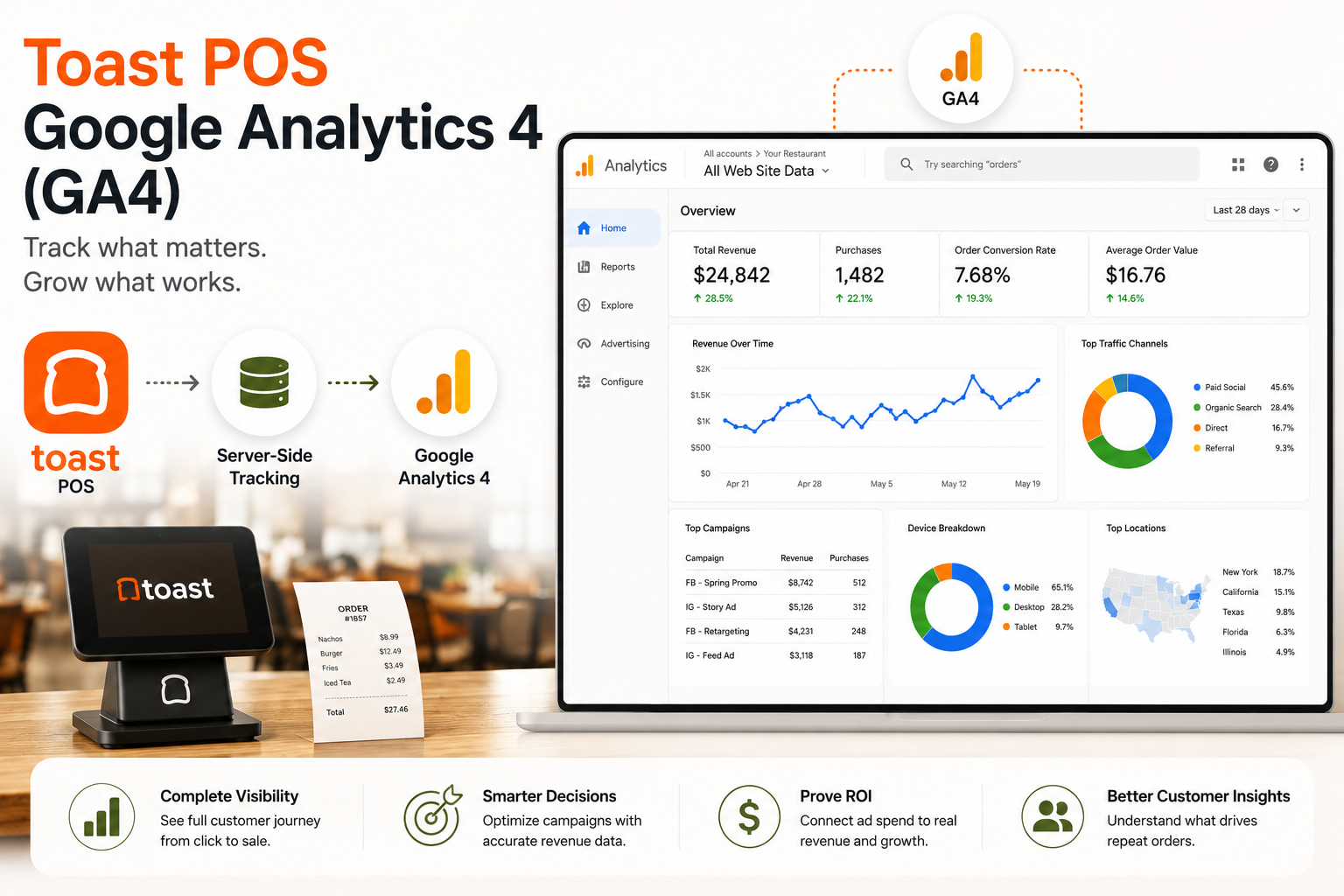
Ditch the Native Toast Integration for GTM: Toast allows you to paste a Google Analytics ID directly into their backend (Toast Web > Websites > Settings & Integrations > Marketing & Analytics). However, for deep tracking, you need to use.
Configure Cross-Domain Measurement: Inside your GA4 Data Stream settings, you must manually define both your primary domain and toasttab.com as connected domains.
Build Custom Data Layers: The basic Toast integration often only tracks the final purchase. If you want to see where customers are dropping off—such as Begin Checkout or Add to Cart—you have to build custom Data Layer variables in GTM that can read Toast's specific URL parameters.
(Note: Toast's iFrame embeds for features like private events and catering forms are notoriously difficult to track. Standard click-tracking won't work in an iFrame; you must use a postMessage listener in GTM to track form submissions.)
Mindshare Setup Note The best Toast POS strategy connects the POS, website, ordering, campaigns, analytics, and follow-up into one system.
The Solution for Toast POS Meta Pixel Tracking
Even if you fix Google Analytics, your Toast POS Meta Pixel tracking faces a secondary, massive threat: Apple's iOS privacy updates and the rise of ad-blockers.
Today, if a customer orders from your Toast site using an iPhone and they have opted out of third-party tracking, your browser-based Meta Pixel is completely blocked from firing. You could be losing up to 30% of your conversion data.
The Advanced Fix: Meta Conversions API (CAPI)
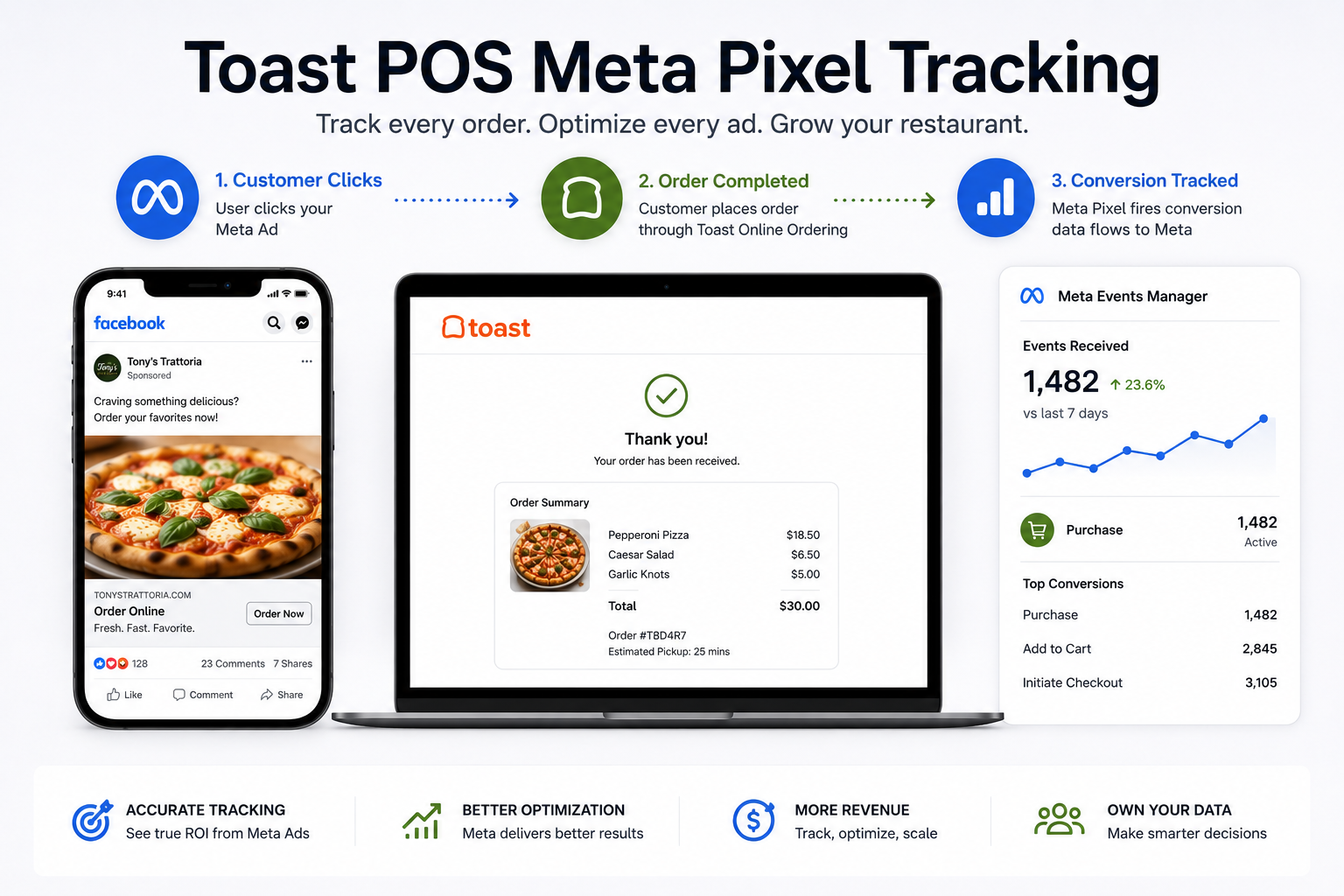
To truly scale a restaurant brand, relying on the standard Meta Pixel snippet is no longer enough. You need to implement Server-Side Tracking via the.
Instead of relying on the user's browser to send the purchase data back to Facebook (which gets blocked), Server-Side tracking sends the purchase data directly from Toast's server to Facebook's server.
- Why This is Essential:
It bypasses ad-blockers and iOS privacy restrictions.
It accurately attributes revenue to your specific ad campaigns.
It feeds high-quality data back to Meta, making your future ads significantly cheaper and more effective.
How to Configure Marketing & Analytics Tracking in Toast Online Ordering Pro
If you're using Toast Online Ordering Pro, Toast provides native fields that allow you to connect marketing and analytics platforms directly to your ordering experience.
Log in to Toast Web.
Navigate to Takeout & Delivery.
Select Branding & Customization.
Open Digital Storefront Settings.
Click Settings & Integrations.
Scroll to the Marketing & Analytics section.
- Configure the integrations you want to use, including:
- Meta Pixel
- Google Analytics 4 (GA4)
- Google Tag Manager (GTM)
- Google Ads Conversion Tracking
Save and publish your changes.
Once configured, Toast can pass key online ordering events into your marketing platforms, helping you better understand how customers interact with your storefront and where orders are coming from.
The Reality Most Restaurants Discover
Simply adding a Meta Pixel or Google Analytics ID is only the first step.
- Many restaurant owners still struggle with:
- Incomplete attribution between advertising platforms and actual revenue
- Difficulty connecting ad spend to online orders
- Inconsistent conversion reporting across multiple systems
- Limited visibility into the full customer journey from ad click to purchase
This is why many restaurants choose to go beyond basic setup and implement a more comprehensive measurement strategy that combines Toast Online Ordering, Google Analytics 4, Meta Pixel, Google Ads tracking, and reporting dashboards into a unified marketing ecosystem.
The goal is not just to collect data. The goal is to understand exactly which marketing efforts are generating orders, revenue, loyalty signups, catering inquiries, and repeat customers.
Why You Need a Specialized Toast POS Marketing Agency
Let's step back into the reality of running a restaurant.
You just read about cross-domain stitching, GTM Data Layers, iFrame postMessage listeners, and Server-Side API integrations. If your eyes glazed over, that is completely normal. You are an expert in hospitality, culinary execution, and team management. You should not have to spend your rare days off learning how to be a full-stack digital data engineer.
Furthermore, if you are currently paying a generalist to run your ads, and they haven't mentioned any of these tracking issues to you, they are likely wasting your marketing budget.
Proper tracking is the absolute foundation of profitable restaurant marketing. If you cannot track the conversion, you cannot scale the business.
Ready to Stop Guessing?
Don't want to mess with code? Let our Toast tracking experts set up your GA4 and Meta Pixel in 48 hours. At Mindshare Consulting, we handle the complex technical integrations so you can get back to running your kitchen. to fix your tracking and turn your Toast POS into a highly profitable, fully attributed marketing engine.
Continue the Toast POS Marketing Cluster
- You Bought Toast POS, Now What? The Ultimate Revenue Setup Guide
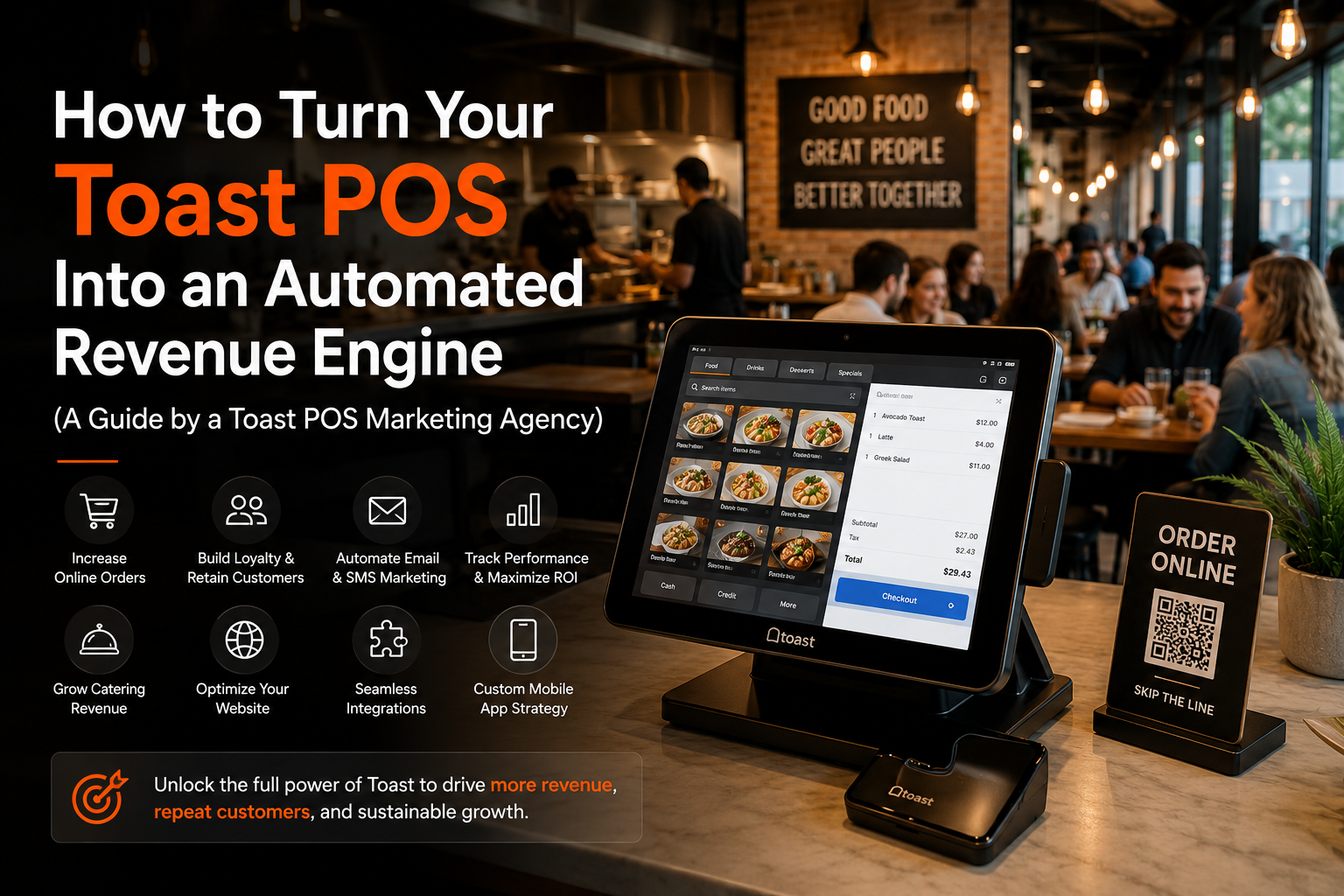
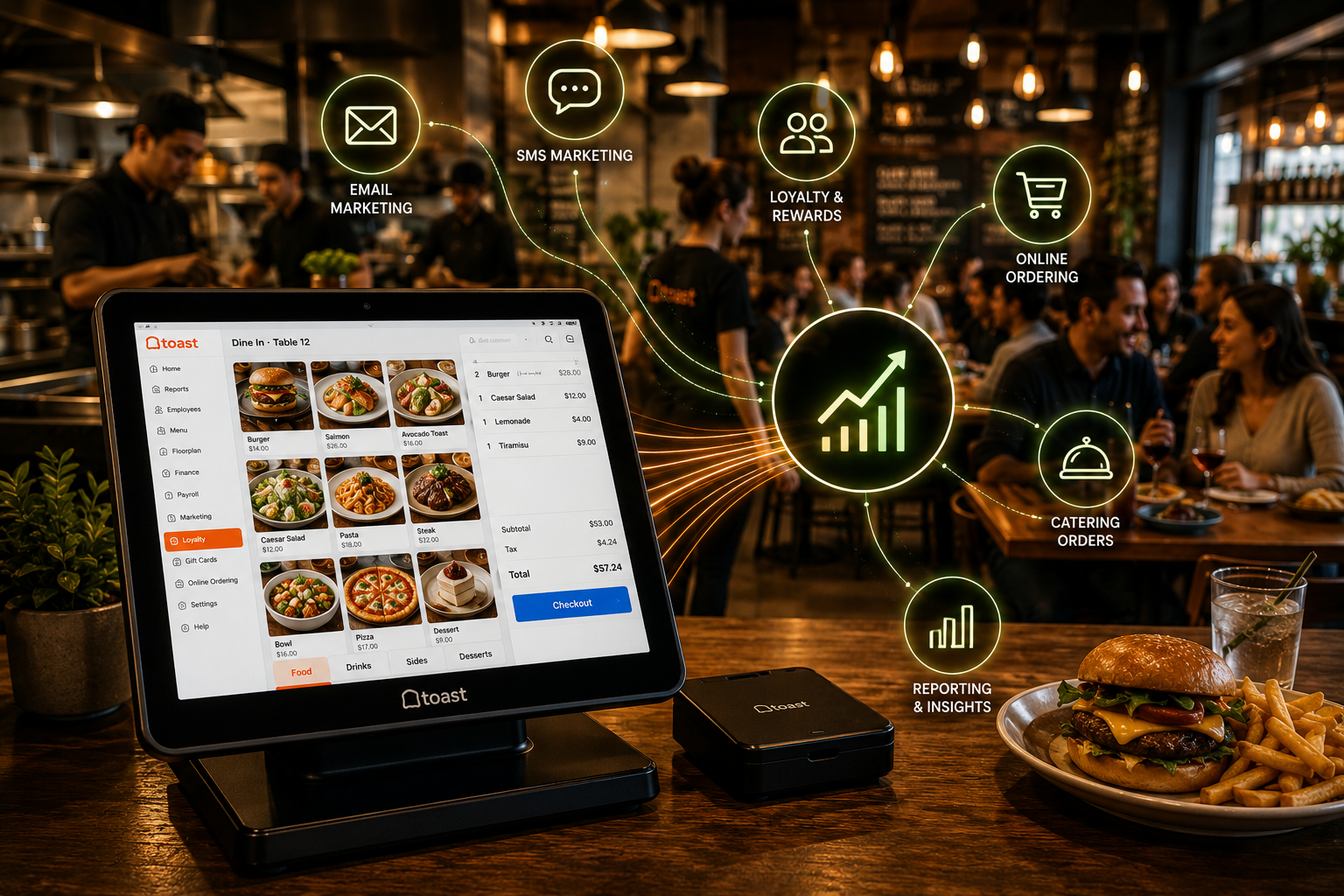
- How to Turn Your Toast POS Into an Automated Revenue Engine
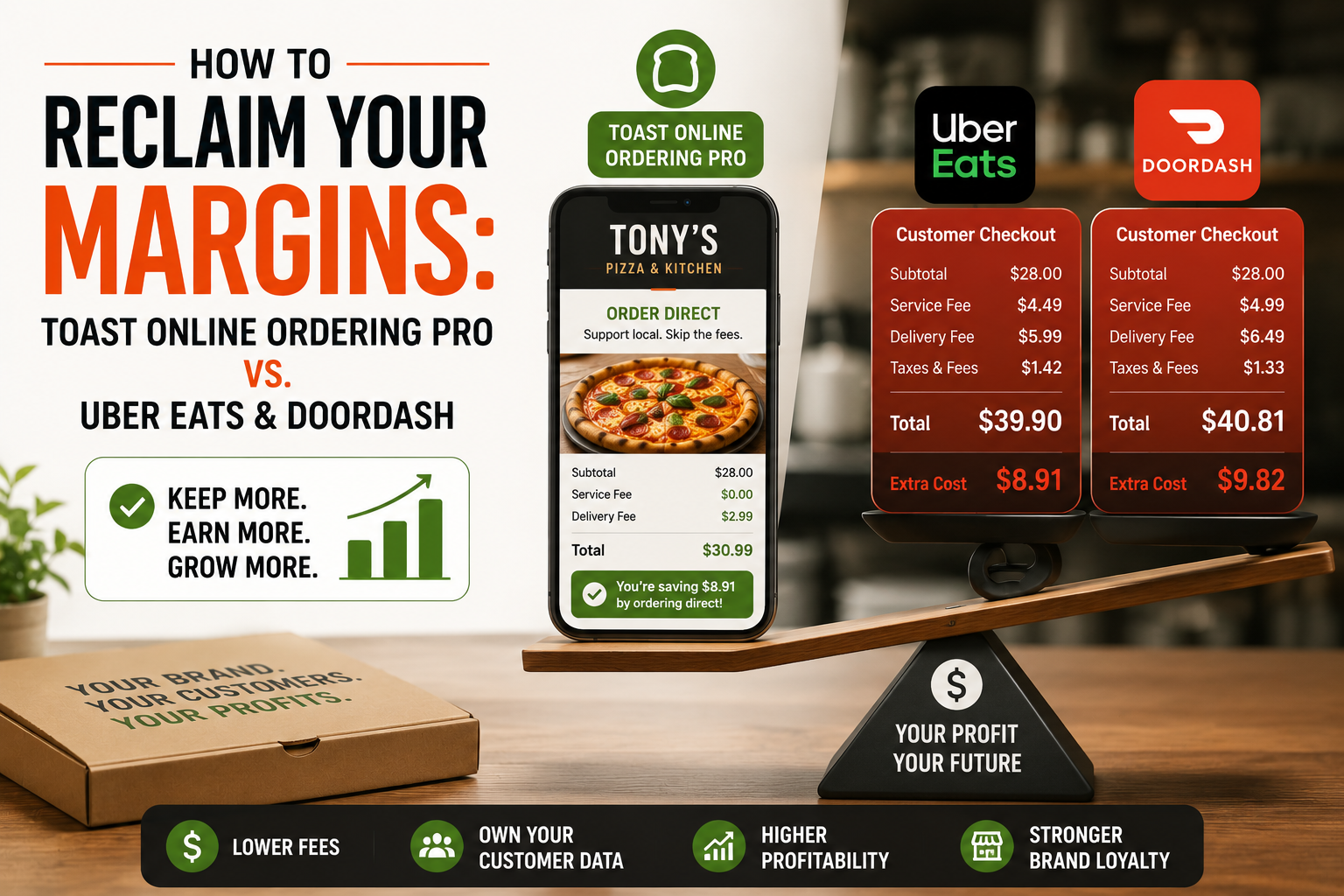
- How to Reclaim Your Margins: Toast Online Ordering Pro vs. Uber Eats & DoorDash
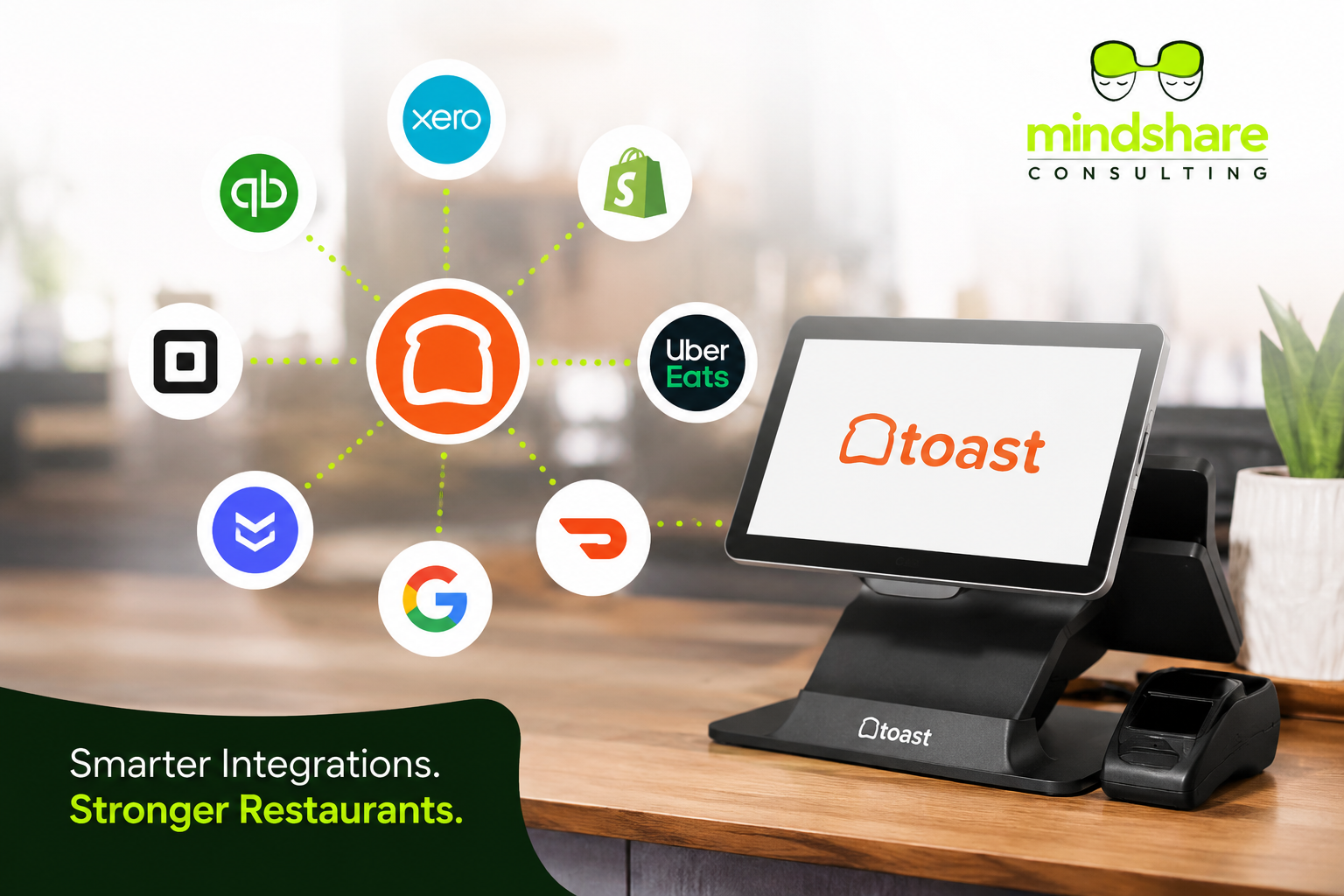
- The Best Toast POS Integrations You Should Actually Be Using in 2026
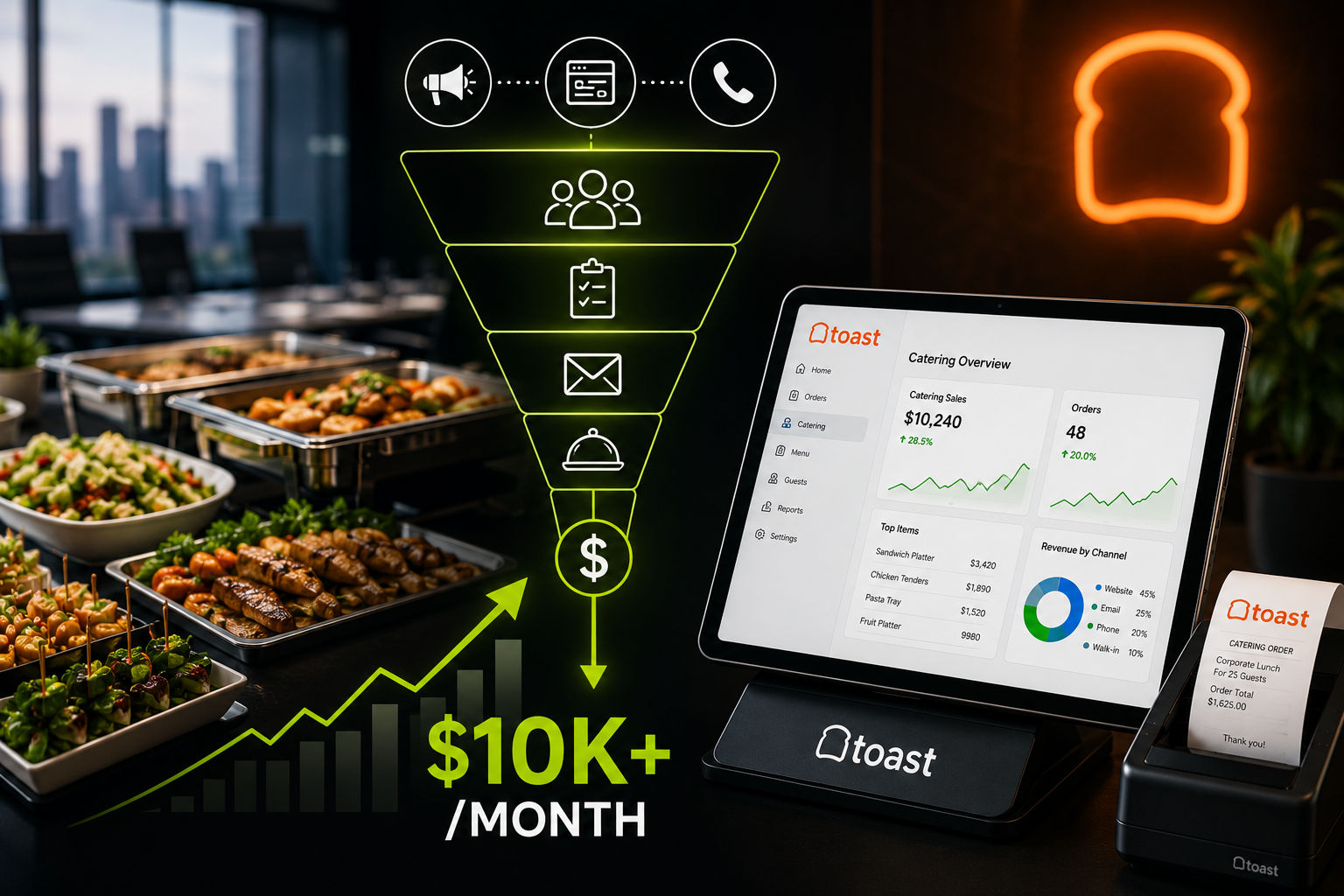
- How to Build a $10k/Month Corporate Catering Funnel Using Toast POS
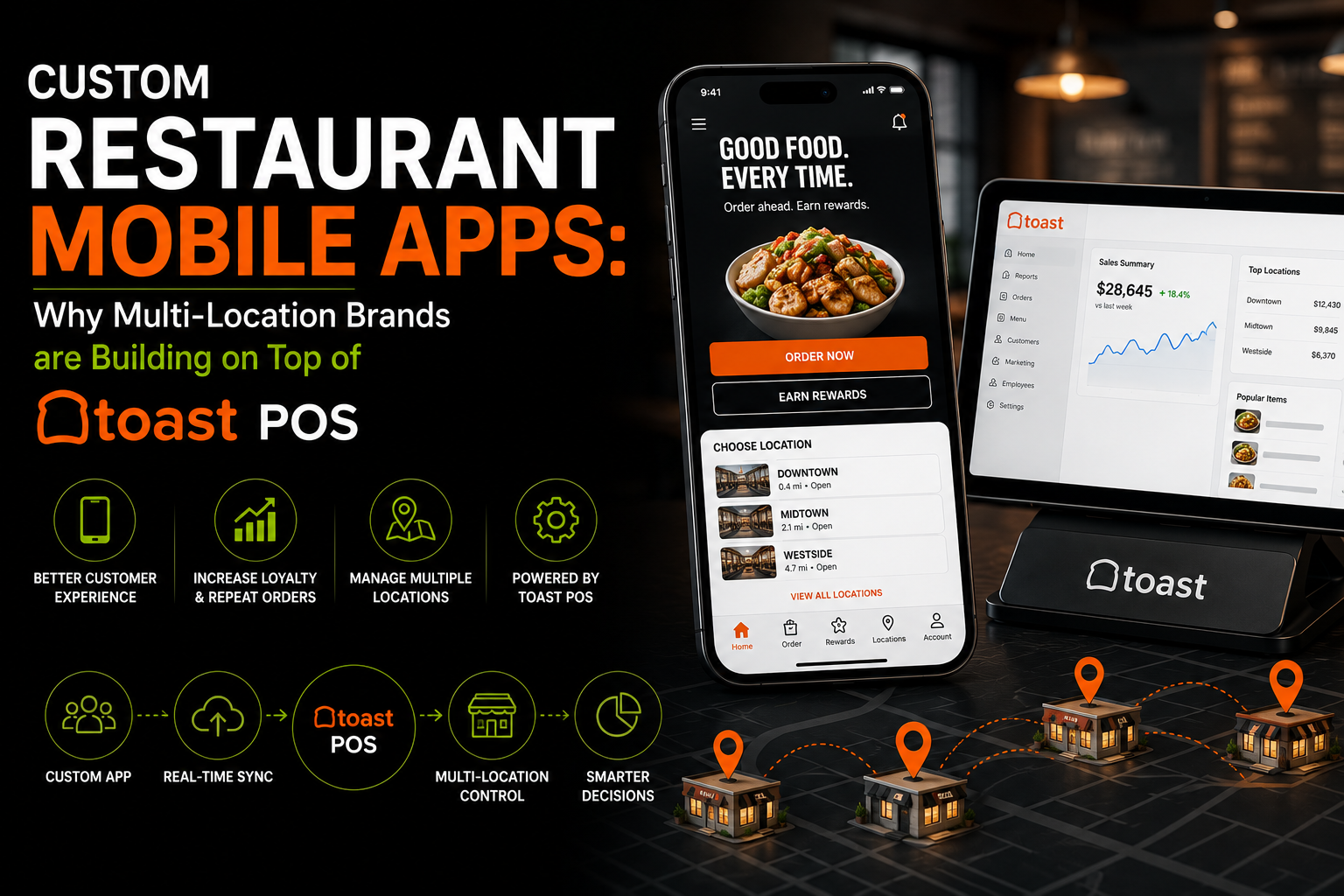
- Custom Restaurant Mobile Apps: Why Multi-Location Brands are Building on Top of Toast POS
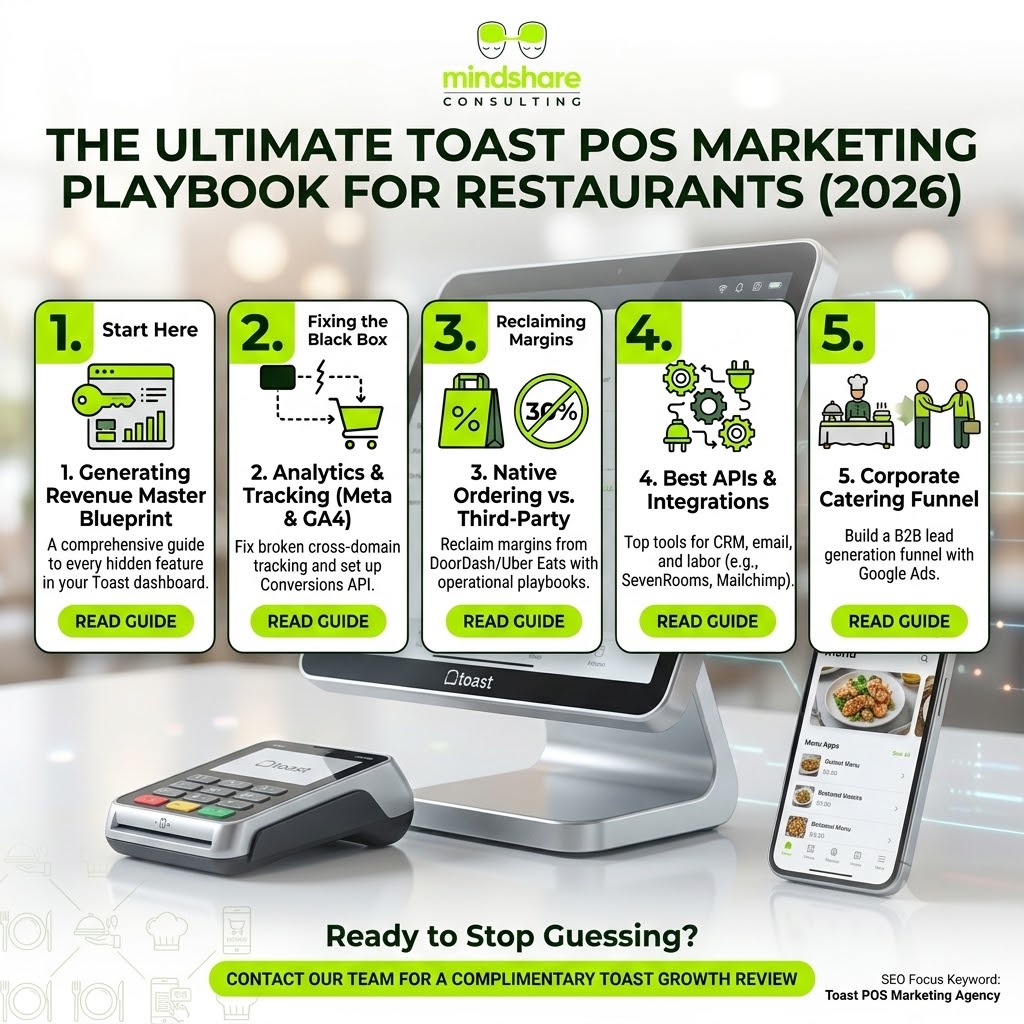
- The Ultimate Toast POS Marketing Playbook for Restaurants (2026)
Helpful Toast POS Resources
Frequently Asked Questions
What is the best way to use Toast POS for restaurant marketing?
The best approach is to connect Toast POS with online ordering, loyalty, email, SMS, website CTAs, local SEO, paid ads, analytics, and a clear reporting process around Toast POS tracking.
Can Mindshare Consulting Inc help with Toast POS marketing?
Yes. Mindshare Consulting Inc helps restaurants plan Toast-connected websites, ordering flows, loyalty, email, SMS, integrations, tracking, and restaurant growth campaigns.
Should restaurants use Toast as more than a POS?
Yes. Toast can support ordering, loyalty, gift cards, catering, customer data, reporting, and marketing workflows when it is configured strategically.
How do restaurants track Toast marketing results?
Restaurants should use GA4, Meta Pixel or Conversions API where appropriate, UTM links, call tracking, online ordering click tracking, and campaign reporting.
Work With Mindshare Consulting Inc
Mindshare Consulting Inc helps restaurants connect Toast POS with websites, ordering, loyalty, Google Ads, Meta Ads, email, SMS, analytics, and conversion-focused restaurant growth campaigns.