
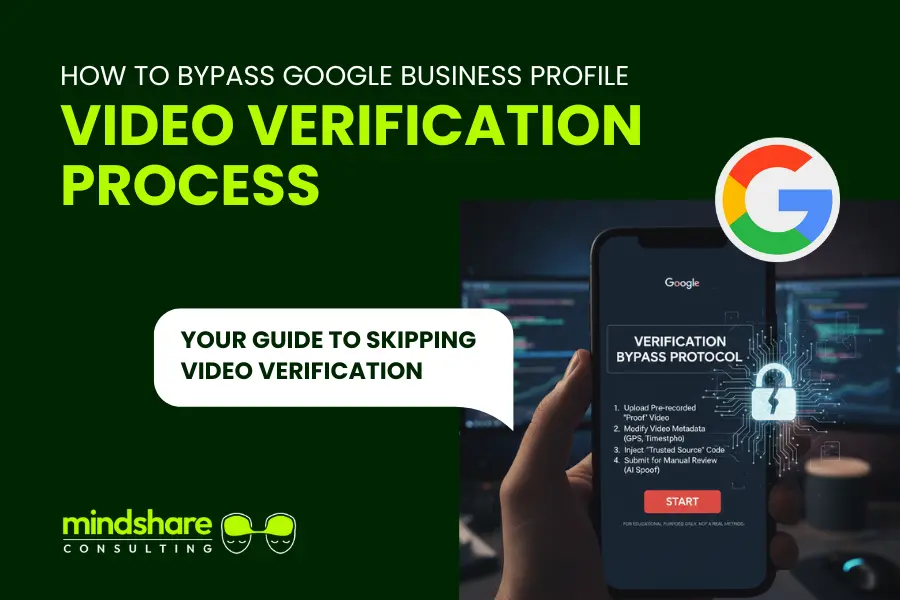

Google Business Profile video verification has become one of the biggest roadblocks for new businesses trying to appear on Google Maps. This is especially frustrating for service based businesses that operate out of their homes or travel to customers instead of running a physical storefront.
If you are trying to bypass Google Business Profile video verification, you are not alone. At Mindshare Consulting Inc, we see this issue daily with contractors, consultants, mobile services, healthcare providers, and home based businesses.
Google often provides no alternative verification option, leaving business owners stuck in a loop with no clear way forward.

A common situation sounds like this:
“I created a Google Maps listing and started my Google Business Profile. Now Google is forcing video verification. I do not have a storefront and work at customer locations. There is no other option available. How do I get around this?”
If that sounds familiar, keep reading. There are legitimate ways to bypass Google Business Profile video verification while still building trust and authority in Google’s system.
9 Proven Ways to Bypass Google Business Profile Video Verification
If you want to bypass Google Business Profile video verification, the key is building enough digital credibility that Google offers alternative verification paths. These steps are proven, ethical, and focused on long term local SEO success.
1. Build a Professional Website First With Accurate NAP Information
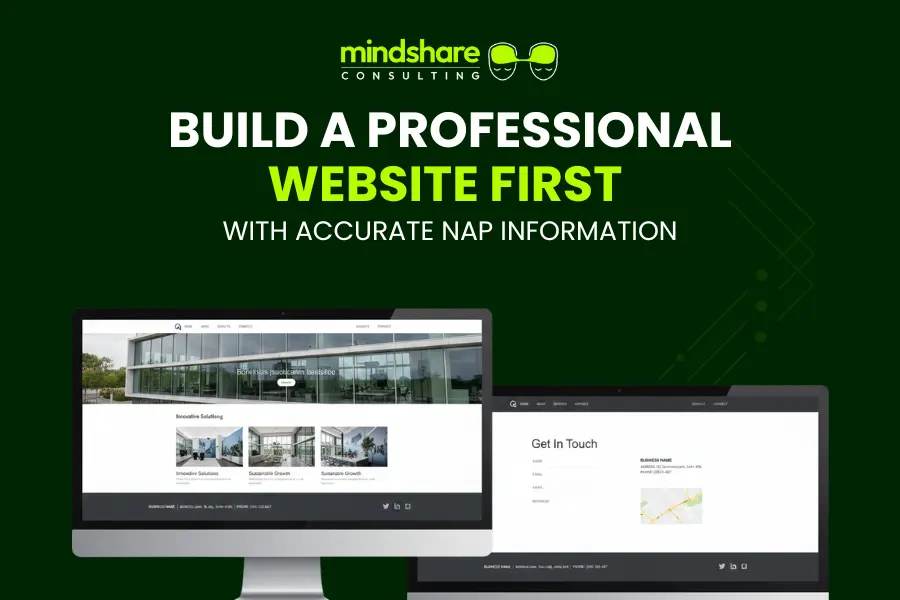
Before touching Google Maps, create a professional website for your business.
Your website must clearly display your NAP information in the footer and contact page.
- Business name
- Physical address or service area address
- Phone number
Consistency matters. This is foundational if you want to bypass Google Business Profile video verification.
Pro Tip: Implement LocalBusiness schema markup for your NAP details. This helps Google crawl, understand, and trust your business information faster.
2. Connect the Website to Google Analytics 4 and Google Search Console
Once your website is live, connect it to GA4 and Google Search Console using the same email you plan to use for your Google Business Profile.
This step significantly increases your chances to bypass Google Business Profile video verification because it establishes ownership and legitimacy.
- Submit your XML sitemap in Search Console
- Ensure pages are indexed
- Track real user activity
3. Create Social Media Profiles With Matching Business Details
Set up branded social profiles for your business on platforms such as:
Ensure your business name, phone number, and address match your website exactly.
Consistent branding across platforms strengthens trust signals and supports efforts to bypass Google Business Profile video verification.
Pro Tip: Post weekly. Even basic updates show activity and legitimacy.
4. Build Industry Relevant Citations
Citations remain a major trust factor for Google Maps.
List your business on relevant directories such as:
- Yelp
- Yellow Pages
- Industry specific directories
Every citation should match your NAP information perfectly. This step is critical if your goal is to bypass Google Business Profile video verification without triggering manual review flags.
5. Submit Business Data to Trusted Aggregators
Data aggregators distribute your business information across hundreds of platforms that Google trusts.
Recommended aggregators include:
- Data Axle
- Neustar Localeze
- Foursquare
These listings help validate your business existence and improve your odds to bypass Google Business Profile video verification.
6. Allow Time for Indexing and Trust Signals to Build
Do not rush this process.
Give Google two to four weeks to crawl and index your website, citations, and social profiles.
Trust signals compound over time and are essential to bypass Google Business Profile video verification successfully.
7. Add the Business to Google Maps as a Regular User
Using a different Google account, add your business to Google Maps manually as a user suggestion.
- Upload real photos
- Add service areas
- Use natural descriptions
This creates organic discovery signals and supports efforts to bypass Google Business Profile video verification.
8. Generate Legitimate Google Reviews Early
Once the listing exists, encourage real customers to leave honest reviews.
Reviews significantly increase trust and reduce friction during the verification process.
This is one of the most overlooked steps when trying to bypass Google Business Profile video verification.
9. Claim the Profile Using the Same Email as GA4 and Search Console
Finally, claim the profile using the email connected to your website analytics and Search Console.
At this stage, Google often presents alternative verification methods such as email or phone verification, allowing you to bypass Google Business Profile video verification entirely.
Ensure the profile is fully completed with:
- Business description
- Photos
- Services
- Service areas
- Business hours
Get Help Bypassing Google Business Profile Video Verification
If you are stuck and need to bypass Google Business Profile video verification, our team at Mindshare Consulting Inc can help.
We have successfully helped hundreds of service based and home based businesses verify their Google Business Profiles without unnecessary delays.
We focus on:
- Local SEO trust building
- Google Maps optimization
- Verification recovery strategies
- Long term ranking stability
Call to Action: Do not let video verification block your growth. Contact Mindshare Consulting Inc today and get your Google Business Profile live the right way.