


Your WordPress site is running fine right now. So why would you need to maintain it? Many business owners assume WordPress works on autopilot once the site launches. They believe if nothing looks broken, there is nothing to fix. That assumption costs businesses thousands of dollars every year in lost revenue, security breaches, and emergency repairs. The truth is simple. If you do not actively maintain a WordPress site, you are not protecting your business. You are exposing it to preventable risks that grow worse every single day.
Pro Tip: Implement proper schema markup for FAQPage and Article structured data on your WordPress maintenance content. This helps search engines understand your content better and can earn rich snippets in search results. Learn more about schema markup implementation.
What Happens When You Do Not Maintain a WordPress Site
Let’s be clear about what “not maintaining” actually means.
- You stop updating WordPress core software
- You ignore plugin and theme updates
- You skip security monitoring
- You never back up your site
- You overlook performance issues
Here is what happens next.
Key Statistics on WordPress Security and Performance
According to industry research:
- 42.8% of all websites run on WordPress (W3Techs)
- 70% of WordPress sites are vulnerable to attacks due to outdated software (WPScan)
- 1-second delay in page load reduces conversions by 7% (Google Research)
These statistics make one thing clear: maintenance is not optional.
Your Site Gets Hacked
WordPress powers over 43% of all websites globally according to W3Techs. That popularity makes it a massive target for hackers. Outdated WordPress sites are the easiest targets. Hackers use automated bots that scan millions of sites daily looking for known vulnerabilities. If your plugins, themes, or WordPress core are outdated, those vulnerabilities are wide open. Once hacked, your site might: Display spam content that destroys your search rankings Redirect visitors to malicious sites Steal customer data and payment information Get blacklisted by Google entirely.
Performance Degrades Over Time
- WordPress sites slow down naturally.
- Databases fill with unnecessary data
- Cached files pile up
- Images remain unoptimized
- Outdated code conflicts with modern browsers
Site speed directly impacts revenue. A one second delay in page load time reduces conversions by 7% according to Google’s research on mobile performance. If your site generates $10,000 monthly, a slow site costs you $700 per month in lost sales. Google also penalizes slow sites in search rankings. Poor performance means fewer visitors finding your business.
Plugins and Themes Break
WordPress releases regular updates to improve functionality and security. When you update WordPress core but ignore plugin updates, compatibility issues arise. Features stop working. Forms break. Checkout pages fail. Sometimes plugins are abandoned by developers entirely. If you never check, you will not know until something stops working at the worst possible time.
You Lose Your Entire Site With No Backup
Hard drives fail. Servers crash. Hosting accounts get compromised. Without regular backups, your site disappears permanently. Rebuilding from scratch costs $5,000 to $20,000 depending on complexity. That does not include lost revenue during downtime or the SEO damage from disappearing from Google.
SEO Rankings Drop Without Warning
Google prioritizes websites that are secure, fast, and mobile optimized according to Google’s Core Web Vitals documentation. Outdated WordPress sites fail these tests. Rankings decline gradually. Traffic decreases. Leads dry up. By the time you notice, competitors have taken your position. Recovering lost rankings takes months of effort and investment.
Why You Must Maintain a WordPress Site
Maintaining a WordPress site is not optional maintenance. It is business protection.
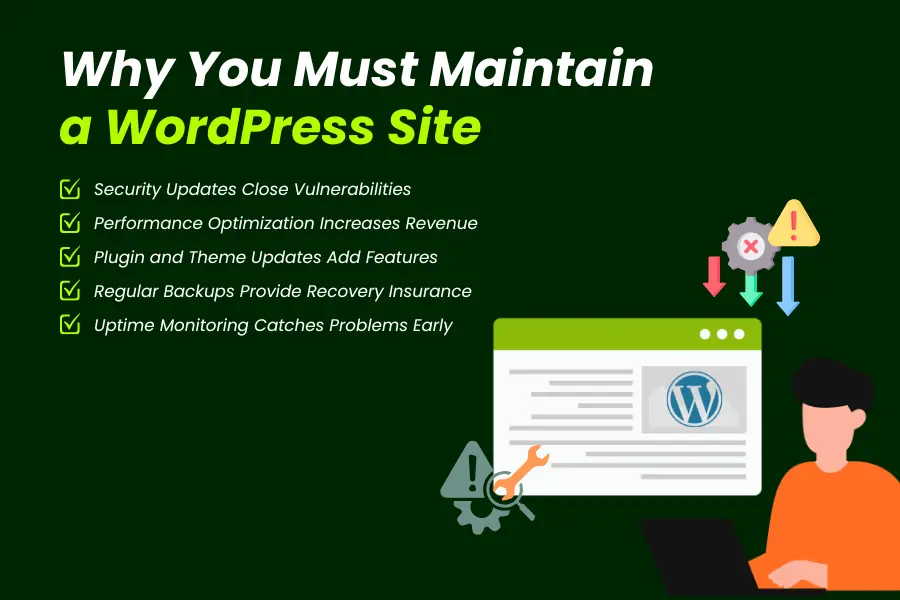
Security Updates Close Vulnerabilities
WordPress releases security patches regularly to fix newly discovered threats. You can track these updates on the official WordPress security page. When you maintain a WordPress site, you apply these patches immediately. Hackers cannot exploit vulnerabilities that no longer exist. Updated sites also benefit from: Improved firewall protection Malware scanning and removal Login security enhancements Two factor authentication options
Security is the number one reason to maintain a WordPress site.
Performance Optimization Increases Revenue
Regular maintenance keeps your site fast. Database optimization removes bloat Image compression reduces load times Cache management speeds up page delivery Code updates eliminate outdated scripts
Faster sites convert better. Visitors stay longer. Google ranks you higher. Maintaining performance is maintaining profitability.
Plugin and Theme Updates Add Features
WordPress maintenance is not just fixing problems. It is improving capabilities. Plugin updates add new features your competitors might already be using. Theme updates improve mobile responsiveness and visual design. WordPress core updates enhance the editing experience and security architecture. Staying current means staying competitive.
Regular Backups Provide Recovery Insurance
Backups are your safety net. When you maintain a WordPress site properly, automated backups run daily or weekly. If anything goes wrong, you restore your site in minutes instead of rebuilding from nothing. Backup maintenance includes: Storing copies offsite Testing restore procedures Keeping backup history for multiple restore points Ensuring database and file backups match
This protection costs almost nothing compared to rebuilding a lost site.
Uptime Monitoring Catches Problems Early
Maintenance includes monitoring. Uptime monitoring alerts you the moment your site goes down. Performance monitoring flags slowdowns before they hurt conversions. Security monitoring detects suspicious activity before damage occurs. Early detection prevents expensive emergencies.
What WordPress Maintenance Actually Includes
Effective WordPress maintenance covers multiple areas.
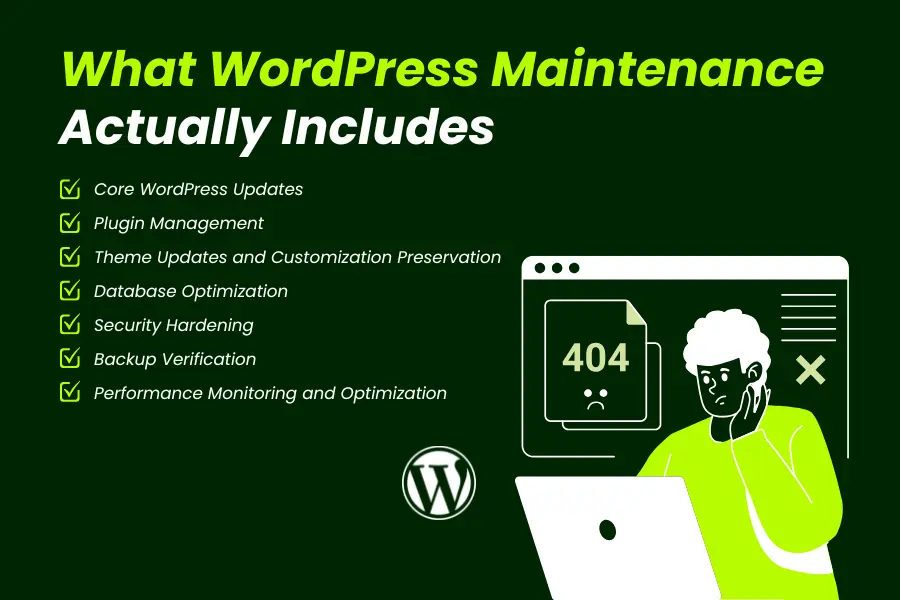
Core WordPress Updates
WordPress releases major updates several times per year and minor security updates monthly. Follow WordPress release documentation to stay informed. Each update must be applied carefully. Rushed updates can break your site. Proper maintenance includes: Testing updates on staging environments first Reviewing changelog for breaking changes Updating immediately after testing Rolling back if issues occur
Plugin Management
Active WordPress sites use 15 to 25 plugins on average. Each plugin needs individual attention. Update plugins regularly Remove unused plugins entirely Replace abandoned plugins with maintained alternatives Test plugin compatibility after core updates
Neglected plugins are the most common entry point for hackers.
Pro Tip: Use the WordPress Plugin Directory to verify plugin update frequency. Avoid plugins not updated within 12 months. Check the “Last Updated” date and compatibility with your WordPress version before installation.
Theme Updates and Customization Preservation
Theme updates improve design and fix bugs. However, custom code added directly to theme files gets overwritten during updates. Proper maintenance protects customizations by: Using child themes for custom code Documenting all customizations Testing theme updates before applying Preserving custom CSS and functionality
Database Optimization
Your WordPress database grows constantly. Post revisions accumulate Spam comments pile up Transient data never expires Orphaned data remains from deleted plugins
Regular database cleanup improves speed and reduces hosting costs.
Security Hardening
WordPress security requires ongoing attention. Follow the WordPress Hardening Guide for comprehensive security measures. Change default login URLs Implement strong password policies Enable two factor authentication Configure firewalls and malware scanning Monitor failed login attempts Block malicious IP addresses
Security is not a one time setup. Threats evolve constantly.
Pro Tip: Subscribe to the WordPress Security Mailing List and WPScan Vulnerability Database to receive immediate alerts about new security threats affecting your plugins and themes.
Backup Verification
Backups are worthless if they fail during restoration. WordPress recommends following backup best practices for complete protection. Maintenance includes: Testing restore procedures monthly Verifying backup file integrity Confirming offsite storage works Checking backup automation runs successfully
Never assume backups work. Test them.
Performance Monitoring and Optimization
Site performance requires continuous attention. Monitor page load speeds with Google PageSpeed Insights Optimize images regularly Update caching strategies Review hosting performance Minimize HTTP requests Enable compression
Fast sites convert better and rank higher.
How Often Should You Maintain a WordPress Site
Maintenance is not a monthly task. It is ongoing protection.
Daily Tasks
- Uptime monitoring (automated)
- Security scanning (automated)
- Backup automation (automated)
Weekly Tasks
- Review security alerts
- Check backup success
- Monitor site speed
- Review error logs
Monthly Tasks
- Core, plugin, and theme updates
- Database optimization
- Full backup testing
- Performance optimization review
Quarterly Tasks
Security audit Plugin cleanup and removal Design and functionality review Hosting performance evaluation with tools like GTmetrix and Pingdom
Businesses that maintain a WordPress site consistently avoid emergency repairs and security breaches.
Common WordPress Maintenance Mistakes
Even businesses that attempt maintenance often make critical errors.
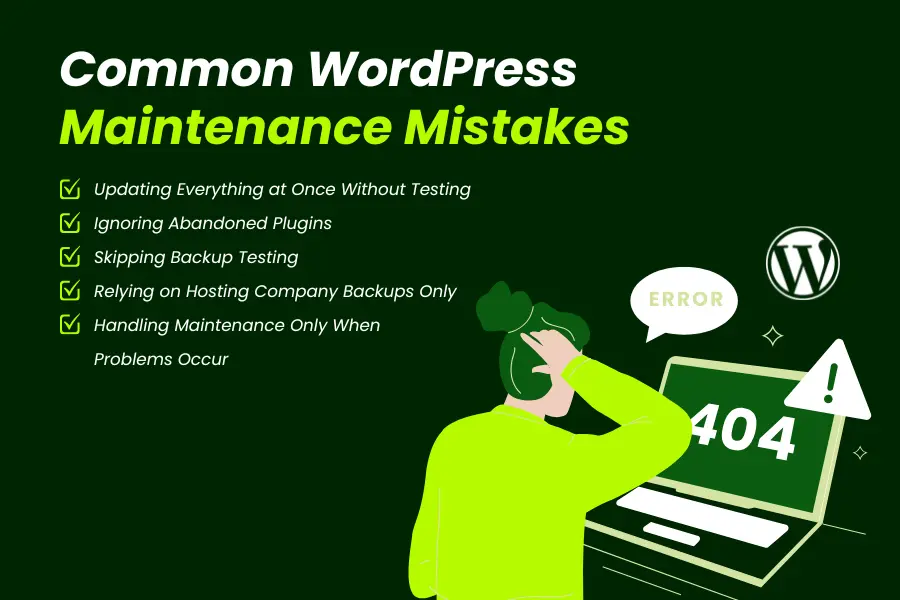
Updating Everything at Once Without Testing
Applying all updates simultaneously without staging tests breaks sites regularly. Proper maintenance means testing updates individually in safe environments before applying them to live sites.
Ignoring Abandoned Plugins
If a plugin has not been updated in over a year, it is likely abandoned. Abandoned plugins become security vulnerabilities as WordPress evolves. Replace them immediately.
Skipping Backup Testing
Many businesses run automated backups but never test restoration. When disaster strikes, they discover backups are corrupted or incomplete. Always verify backup integrity.
Relying on Hosting Company Backups Only
Hosting backups are helpful but insufficient. You need independent offsite backups under your direct control. Hosting failures can destroy both your site and hosting backups simultaneously.
Handling Maintenance Only When Problems Occur
Reactive maintenance costs 5 to 10 times more than proactive maintenance. Waiting for problems turns small issues into expensive emergencies.
Who Should Maintain Your WordPress Site
You have three options.
Internal Team Management
If you have technical staff, internal maintenance is possible. However, WordPress expertise requires continuous learning. Staff turnover creates knowledge gaps. Internal teams often lack time for consistent maintenance.
Agency or Developer Maintenance Plans
Professional maintenance plans from experienced WordPress agencies provide: Dedicated expertise Proven maintenance workflows 24/7 monitoring and support Guaranteed response times Liability protection
This is the most reliable option for businesses that need guaranteed uptime and security.
DIY Maintenance
DIY maintenance works only if you: Understand WordPress architecture deeply Have time for weekly maintenance tasks Can handle emergency situations immediately Stay current with WordPress security threats
Most business owners lack the time and expertise for effective DIY maintenance.
Why Businesses Choose Professional WordPress Maintenance
Professional maintenance eliminates risk.
Guaranteed Uptime and Performance
Maintenance agreements include uptime guarantees. If your site goes down, professionals fix it immediately.
Security Expertise and Monitoring
Security specialists monitor threats constantly and apply patches before exploits emerge.
Time Savings for Business Owners
Maintenance takes 2 to 5 hours weekly when done properly. Professionals handle everything while you focus on business growth.
Emergency Support When Disasters Occur
Hacks and crashes happen despite best efforts. Professional maintenance includes emergency recovery services that restore your site within hours instead of days or weeks.
Your 30 Day WordPress Maintenance Action Plan
Week 1
Audit current WordPress version, plugins, and themes Document all customizations Set up staging environment
Week 2
Implement automated backups Test backup restoration Enable security monitoring
Week 3
Update WordPress core, plugins, and themes on staging Test functionality thoroughly Apply updates to live site
Week 4
Optimize database Review site performance Set up ongoing maintenance schedule
Check: The Ultimate Guide for a High Converting Website Design
The Bottom Line
Your WordPress site is a critical business asset. Maintaining a WordPress site protects revenue, prevents disasters, and supports growth. Skipping maintenance saves money short term but guarantees expensive problems long term. The businesses that maintain WordPress sites consistently avoid emergencies, rank higher in search results, and convert visitors more effectively.
Your next step is simple. Evaluate whether your current WordPress maintenance protects your business adequately. If you lack time, expertise, or consistent maintenance workflows, professional maintenance eliminates risk while you focus on business growth.
Do not wait for a security breach or site failure to take WordPress maintenance seriously. Prevention costs far less than recovery. Contact Mindshare Consulting today and If You Need to Maintain a WordPress Site.